HaptX Technologies
At long last, haptics that feel like the real thing.
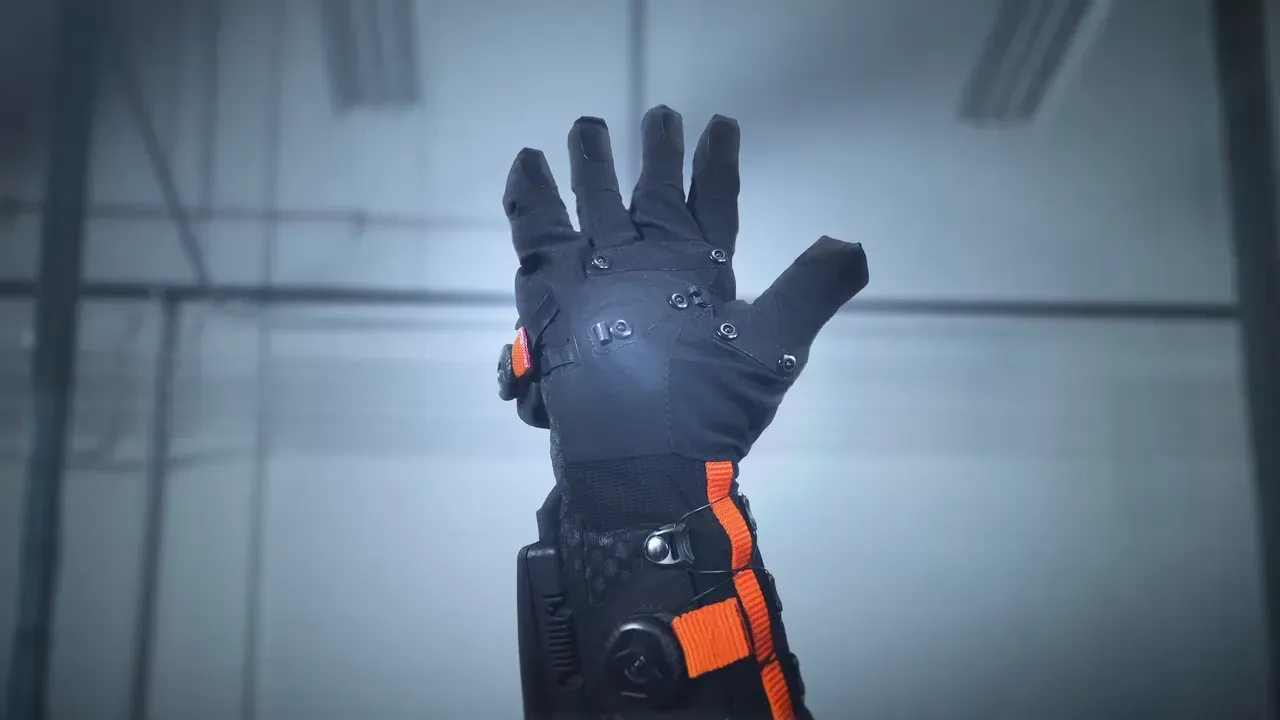
HaptX Gloves combine microfluidic tactile feedback, pneumatic force feedback and magnetic hand tracking into one wearable system. Here is how each part works — and what it lets people feel.
From a virtual contact to a physical sensation
- Track Magnetic motion capture follows every joint of the hand. 36 DoF per glove · 0.3 mm rms
- Simulate The HaptX SDK’s physics detects contact and the object’s size, shape and rigidity. Per-object tactile & force properties
- Actuate The Airpack routes compressed air through pressure-regulated channels to the glove. ~150 channels · any actuator in <30 ms
- Feel Microfluidic actuators press the skin; exotendons resist the fingers. Up to 1.5 mm · up to 8 lbf per finger
Five engineering principles
One system, five parts that have to work together.
Select a principle to see what it does, what the user feels, and the specification behind it.
Microfluidic tactile actuation
What it does
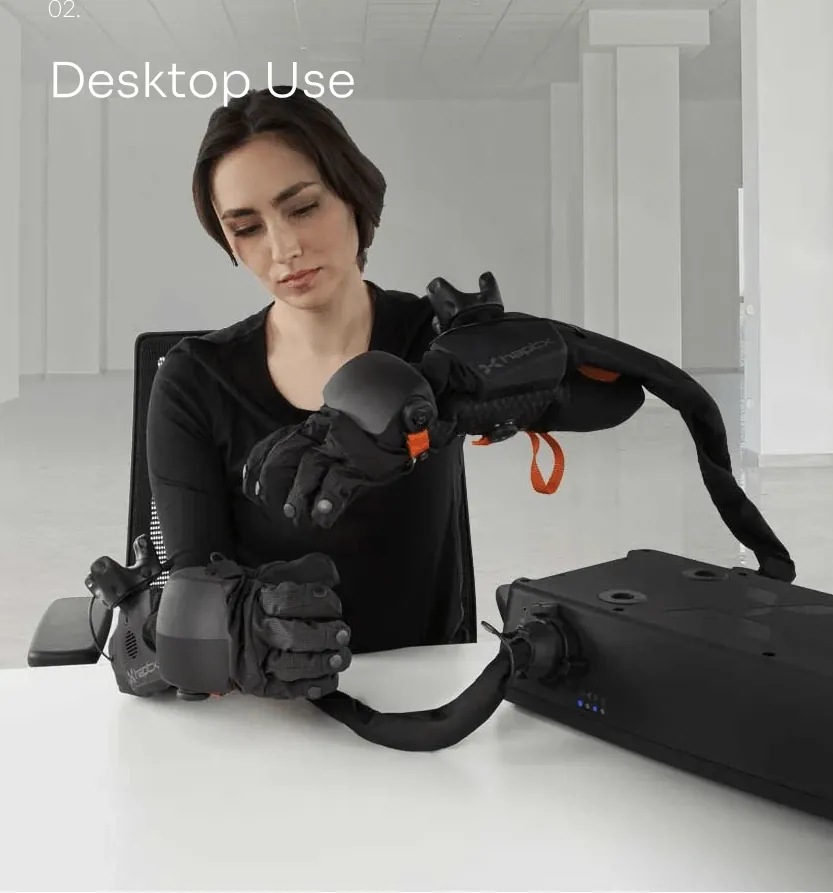
A smart microfluidic panel provides true-contact haptics. Tiny actuators packed into flexible silicone panels — woven into the glove along the fingers and palm — inflate to displace the skin, applying physical pressure just as a real object would.
What you feel
Edges, textures and points of contact at fingertip-level detail, instead of a buzz spread across the hand.
- Actuators
- 135 per hand
- Max. displacement
- 1.5 mm
- Peak pressure
- 9 psi (62 kPa)
- Receptor coverage
- 75% of the hand’s touch receptors
Source: G1 specification; the Technology page cites displacement of up to 2 mm for the actuator technology.
Force feedback
What it does
A lightweight, heavy-duty mechanism powered by HaptX’s microfluidic actuation. High-power-density pneumatic actuators drive exotendons inside the glove that apply resistive force to each digit.
What you feel
The size, shape and solidity of what you hold. For palm-sized or smaller objects, finger force plus your own proprioception conveys a sense of weight.
- Per finger
- up to 8 lbf
- Per hand
- up to 40 lb
- Engagement time
- 23 ms
Source: G1 specification; Technology page.
Precise hand tracking
What it does
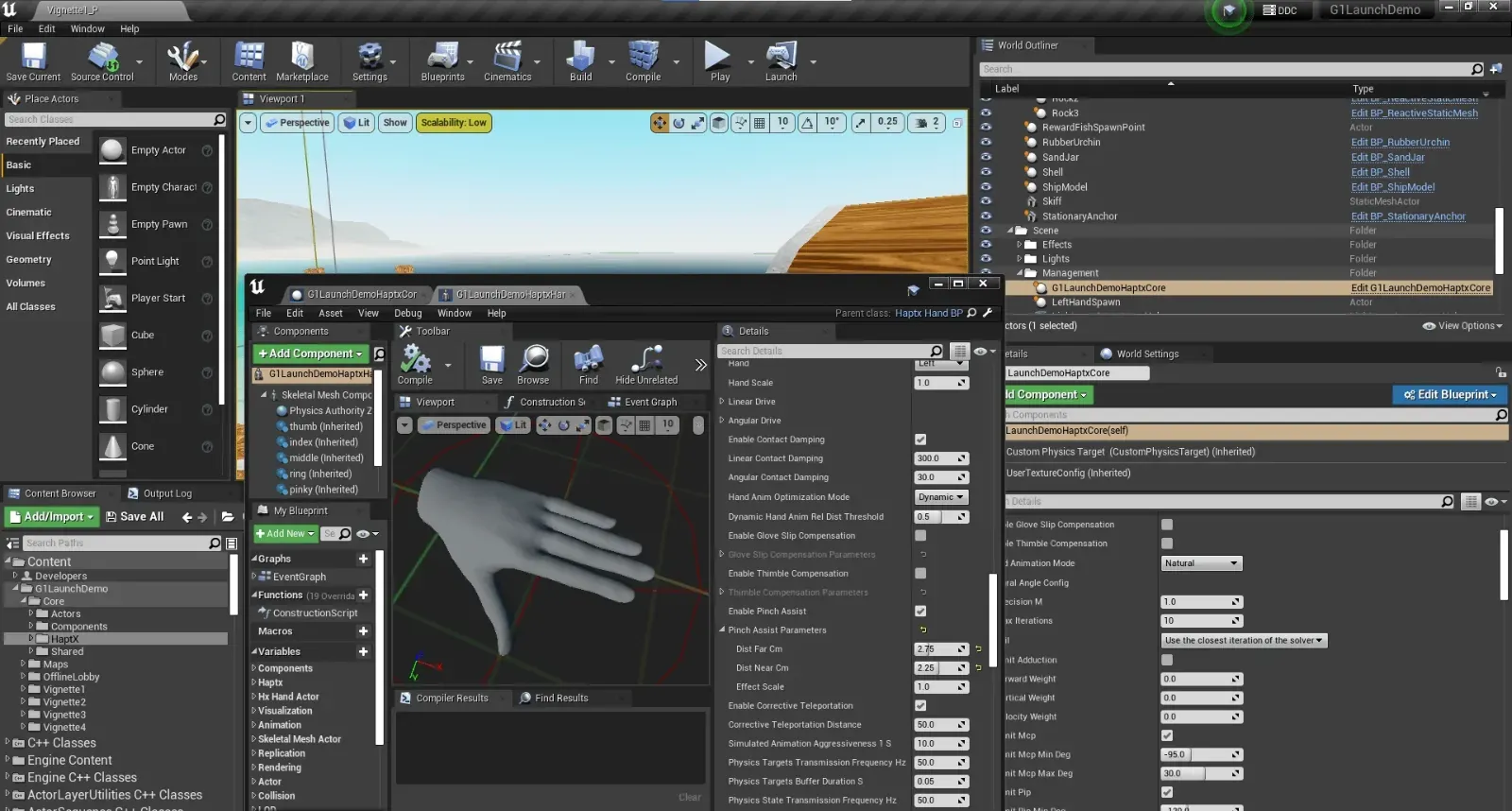
A proprietary magnetic motion-capture and hand-simulation system tracks the hand with no occlusion and no perceivable latency. Software automatically generates an individualized, physically accurate hand model and renders a user avatar.
What you feel
Your virtual hand is where your real hand is — the moment you grab an object, even one in motion, you feel it in your grip.
- Tracked DoF
- 36 per glove
- Positional resolution
- 0.3 mm rms
- Occlusion
- None (magnetic)
Source: G1 specification (36 DoF per glove); the Technology page describes 30 degrees of freedom per hand.
Pneumatic actuation
What it does
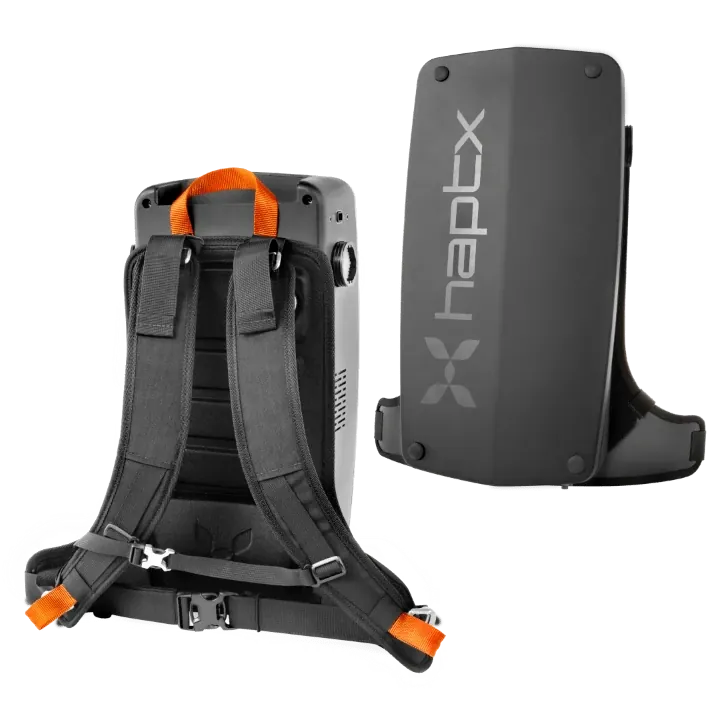
HaptX designs its own precision pneumatic components. The Airpack generates and precisely controls the steady flow of compressed air that powers the gloves, dynamically routing it through nearly 150 pressure-regulated channels.
What you feel
Fast response without perceptible latency, quiet enough for offices and other noise-sensitive environments.
- Channels
- ~150, pressure-regulated
- Actuator fill time
- under 30 ms
- Max. pressure
- 36 psi (250 kPa)
- Noise
- 55 dB (average graphics PC)
Source: Technology page; G1 specification.
Software & simulation
What it does
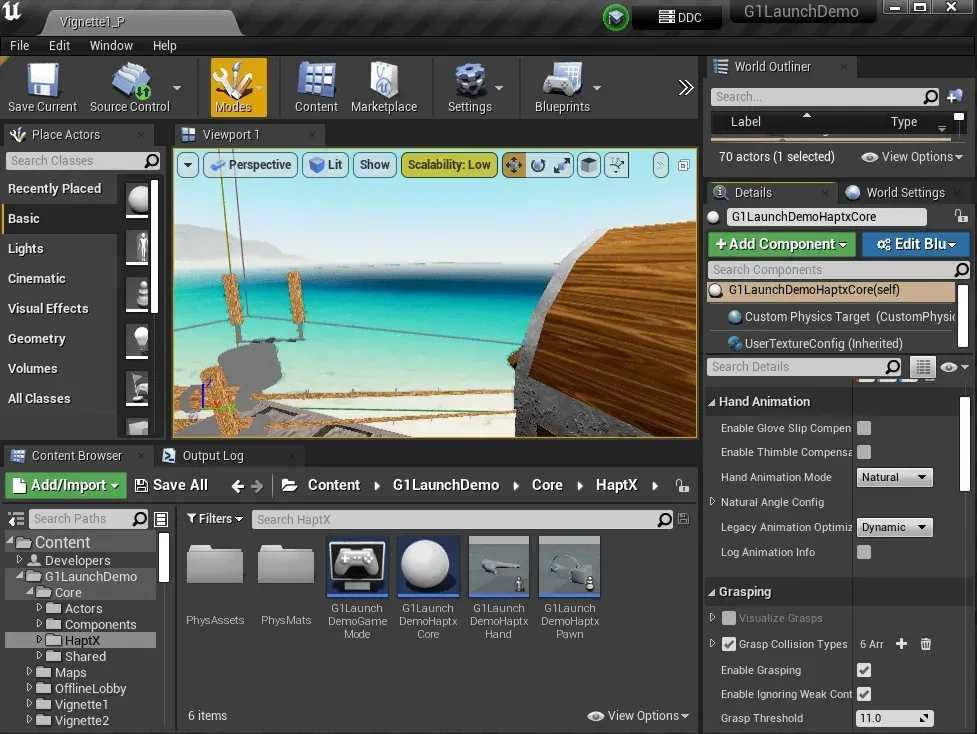
At the heart of the HaptX SDK is a framework for the physical simulation of haptic interactions, with SteamVR support, Unreal Engine and Unity plugins, a vibrotactile API and pre-built effects. A low-level C++ API is ROS-capable for robotics.
What you feel
Objects behave consistently: per-object tactile properties, rigidity and grasping make the same virtual tool feel the same every session.
- Engines
- Unreal Engine · Unity
- Low-level
- C++ API, ROS 1 & 2 node
- Multi-user
- Shared haptic objects
Source: Technology page; SDK page; G1 FAQ.
True-contact vs vibration
Not a buzz. A press.
Most haptics people know — phones, game controllers — are vibrotactile. HaptX Gloves include vibrotactile effects too, but their core is something different.
| Aspect | Vibration-only haptics | HaptX Gloves G1 |
|---|---|---|
| How contact is rendered | Small motors vibrate the controller or glove | Actuators physically displace the skin where the virtual surface is |
| Resolution | A few vibration zones at most | 135 tactile actuators per hand |
| Resistance to the fingers | None — the hand closes freely | Exotendons resist each finger, up to 8 lbf |
| Hand input | Buttons, triggers or optical tracking | Magnetic tracking, 36 DoF per glove, no occlusion |
Innovation & intellectual property
Invented in 2013. Still the roadmap today.
HaptX’s founders detailed the vision for the system in a foundational patent awarded in 2013. Since then HaptX has been granted 22 patents (as of 2024), with numerous more pending — spanning haptic interaction with computer-mediated environments, finger force feedback and whole-body force feedback.
The interdisciplinary R&D team — mechanical, software, electrical and biomedical engineers — continues to push touch simulation forward, from lower-body exoskeletons to humanoid robot training.
Weirdly natural… That is really impressive. The tactile feedback is tremendous.
The gold standard for haptics in VR.
I have tried several other VR gloves, and this is definitely the most complete solution.
I’ve tried a few other similar systems, but the haptics from the HaptX Glove blew the others away.
Start a conversation
Put haptics to work for you.
Reach out and we can give you a clearer picture of how haptics technologies will help your organization.